How to Set Up Cornix Auto Copy Trading Bot
Learn how VIP members can connect an exchange to Cornix and automatically copy crypto signals with controlled risk settings.

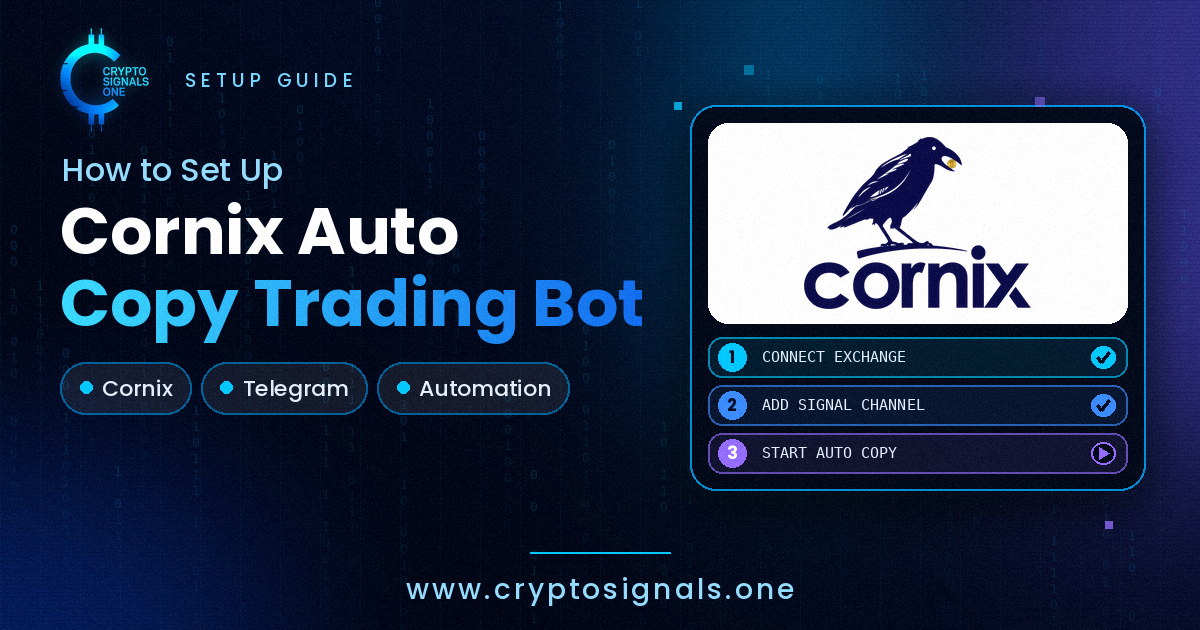
Crypto Signals One VIP members can use Cornix to automatically copy crypto signals to a connected exchange account. This can reduce manual order entry, but it does not remove trading risk: always check leverage, position size, stop-loss and API permissions before enabling automation.
1. Create or connect your exchange account
Create or sign in to your supported exchange account, then make sure futures or spot trading is enabled only if it matches your strategy and risk tolerance.
2. Create a Cornix account
Open Cornix, choose the plan that fits your needs, and complete the account setup. VIP members can then use the bot to copy signals from the connected channel.
3. Connect the exchange API
In the exchange security settings, create an API key with trading permissions required by Cornix. Never enable withdrawals, never share the secret, and use IP restrictions when the exchange supports them. Add the API credentials in Cornix and verify the connection.
4. Configure the copy bot
Select the signal channel, then set leverage, allocation, position size, take-profit, stop-loss and maximum open trades. Start with conservative settings and test with a small amount before increasing exposure.
5. Monitor automated trades
Review fills, errors, positions and risk limits regularly. Automation can execute signals quickly, but it cannot guarantee profits or prevent losses during volatile markets.
Related guide: Best Crypto Signals Telegram Channels
Compare before you trade
More exchange reviews
Access rules, products, fees, and verification requirements can change. Read the review, then confirm the current terms for your country.

KYC profile
Binance
Binance review covering verification, spot and derivatives markets, fees, security, liquidity, and regional availability.

KYC profile
BingX
BingX review covering KYC onboarding, social trading, futures, spot markets, fees, and security.

Non-KYC profile
BitBase
BitBase non-KYC exchange review covering access, fees, security, regional limits, and referral terms.
RISK FIRST
Risk checklist
Before acting, confirm that the thesis is clear, the invalidation is defined and the position size matches the risk you are willing to accept.
Market conditions can change quickly around macro releases and liquidity shifts. This content is educational and is not a promise of outcome or financial advice.
Compare Crypto Exchanges
Compare leading crypto exchanges, review their features and trading conditions, and find the platform that best fits your needs.
Always verify current fees, availability, restrictions and risk disclosures directly with each exchange before trading.
Want setups like these in real time?
Join the VIP channel for daily crypto & gold signals.

Trade with BloFin
Explore BloFin for derivatives-focused crypto trading. Check current availability, fees, cashback terms, and eligibility in your jurisdiction before registering.
Trade on BloFinCompare Crypto Exchanges
Explore our exchange selection and compare platforms, fees, KYC access, and features.
View exchange comparison